
Publish flawlessly to every channel, so customers always see your latest version
One source, every channel automatically up to date. Publish flawlessly to webshops, marketplaces and print, with Excel and PDF export, ready for AI.
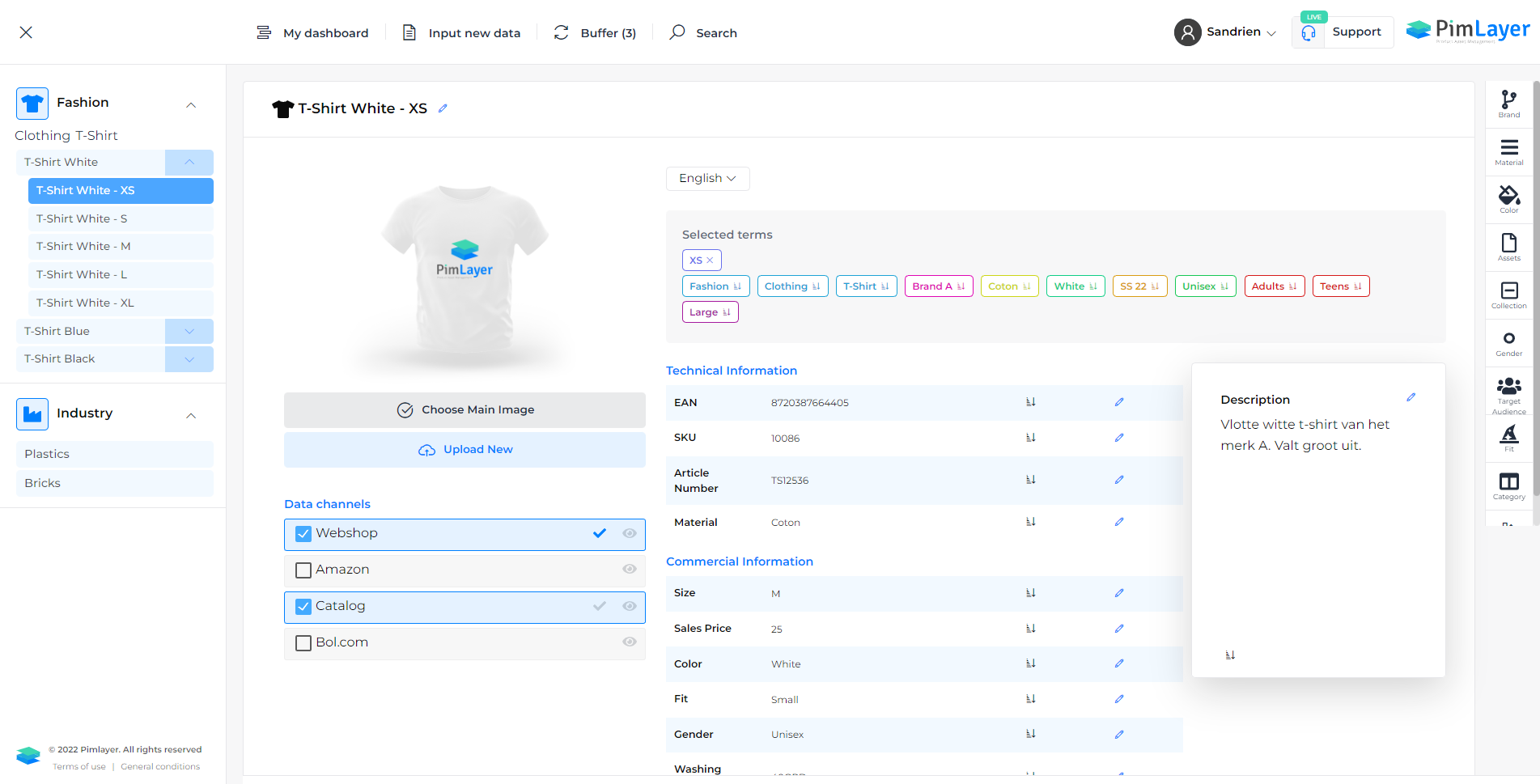
Bringing every change manually to webshop, marketplace and PDF, in multiple languages? With PimLayer you publish from one source, automatically and consistently. Your output is correct and machine-readable, ready for marketplaces and AI agents, and you share smoothly with the outside world via Etalage & Briefcase.
Every change again, on every channel.
Manual work per channel costs time and introduces errors.
Duplicate entry
The same change over and over, on every channel and in every language. Again and again.
Channels out of sync
Your webshop says something different from the marketplace. Which one is right?
Wrong or slow output
Wrong image formats, datasheets that do not match, or just too late for a listing.
Publish, export and share, without manual work.
One change, up to date everywhere
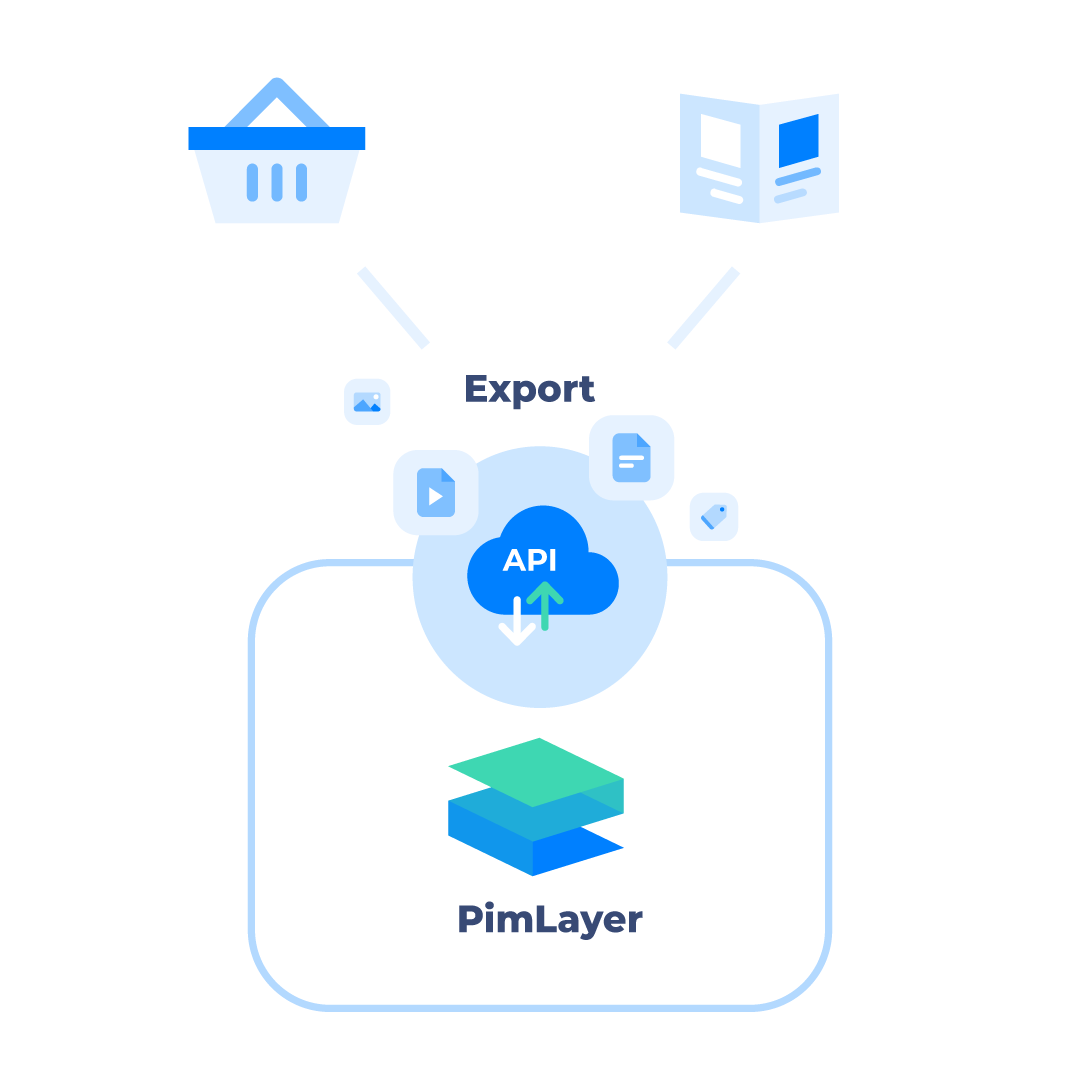
Publish your product data directly to your webshops and the largest marketplaces, such as Amazon, Bol.com or Google Shopping, without manual work or duplicate entry. Every change in PimLayer is applied automatically, so all your sales channels are always up to date. That saves time, reduces errors and ensures consistent, professional product presentations on every platform. View all connections on the page Connectors & open API.
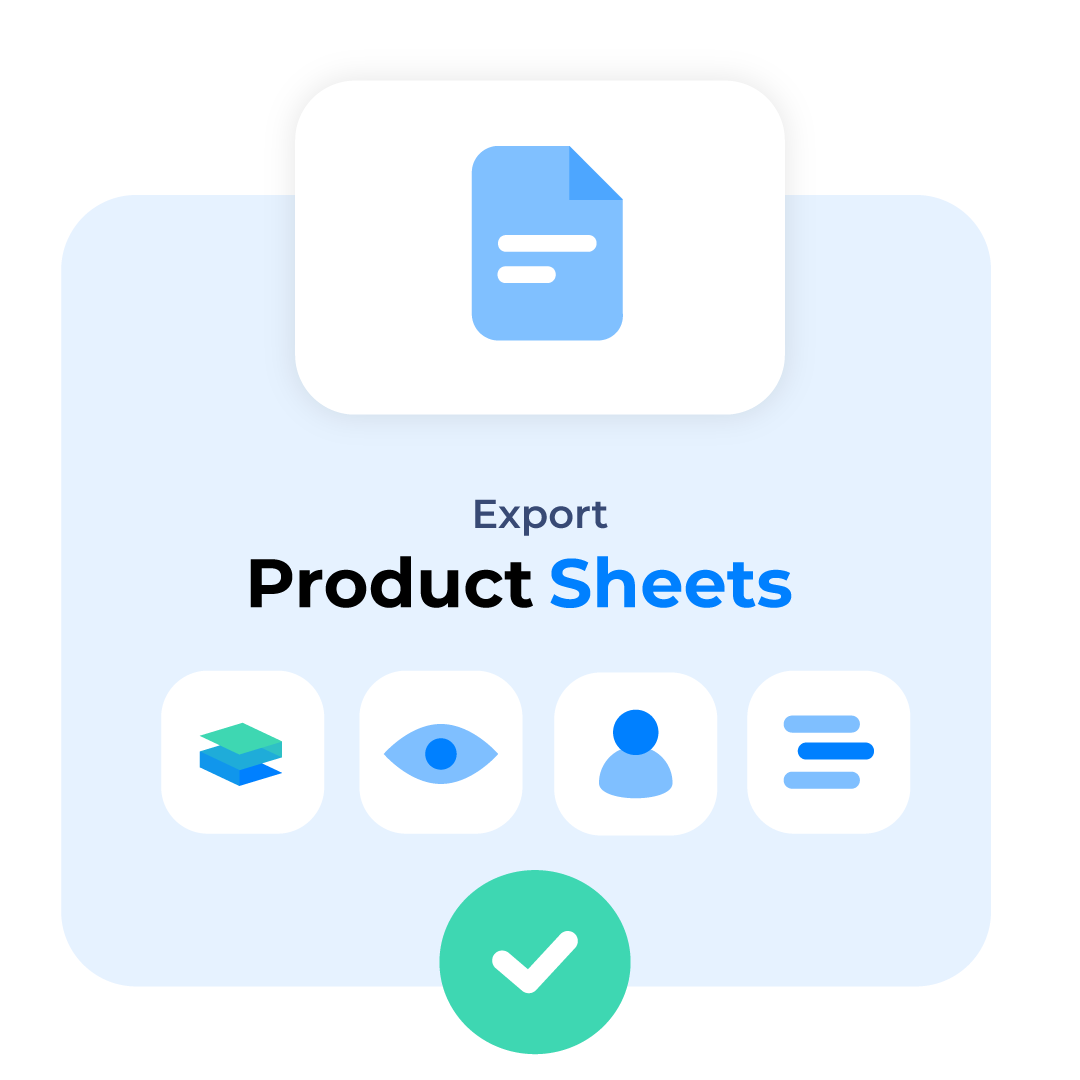
Export to spreadsheet and professional datasheets
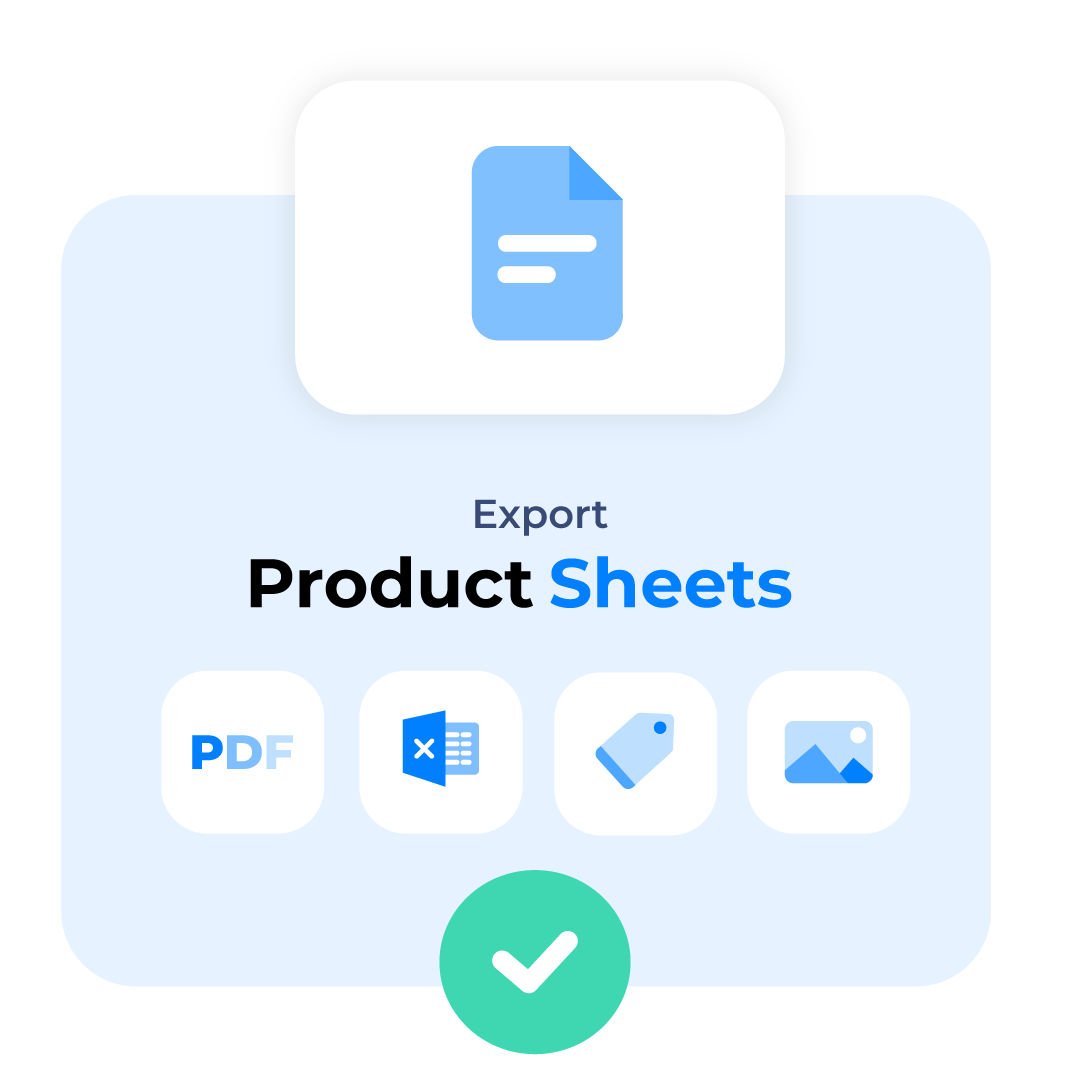
Easily export product specifications to Excel, language-dependent or language-independent, with full control over which products you include. Save exports to repeat the same selection in a few clicks. In addition, create clear product datasheets in PDF: you decide yourself what information goes in (name, description, specifications, images, certificates, prices) and personalise them with templates in your own logo and house style, ready to share with customers and partners.
The right image, automatically, for every channel
Upload your imagery once in high resolution; PimLayer automatically rescales to the format and resolution you need on export. You also fully set the file name, because some marketplaces have specific requirements such as sku-number+packshot.jpg. That way you always have the right image for web, print or marketplace, without manual work.
Smooth, reliable and connectable.
Works in the background
Large exports keep running while you carry on; you get a notification as soon as they are done.
Open API
Connect almost any channel, even outside the standard connectors, inbound and outbound.
Share via Etalage & Briefcase
Let partners, distributors and press fetch the right assets themselves. See Etalage & Briefcase.
Answers to your questions
Which channels can I publish to?
To your webshop(s), the major marketplaces (such as Amazon, Bol.com and Google Shopping) and to print/PDF, via ready-made connectors and an open API. View the full overview on the page Connectors & open API.
Can I create product datasheets in my own house style?
Yes. PDF datasheets work with templates that you personalise with your logo and house style, and you decide yourself which fields, images, certificates and prices go in. That way you share standardised, professional-looking datasheets with customers and partners.
Are my channels automatically synchronised when I make a change?
Yes. One change in PimLayer is automatically applied to all your connected channels, so webshop, marketplaces and datasheets are always consistent and up to date.
Can I export images in different formats and resolutions?
Yes. You upload in high resolution and PimLayer automatically rescales to the right format and the right resolution per channel, with a configurable file name (for example sku-number+packshot.jpg) for marketplaces with specific requirements.
Ready to take control of your product data?
Book a demo, or first calculate your time saved with the ROI calculator.