
Manage everything in one place, so every price, photo and text only needs to be right once
Centralise product information and digital assets in one place. One source of truth, instead of scattered Excel files and loose supplier lists.
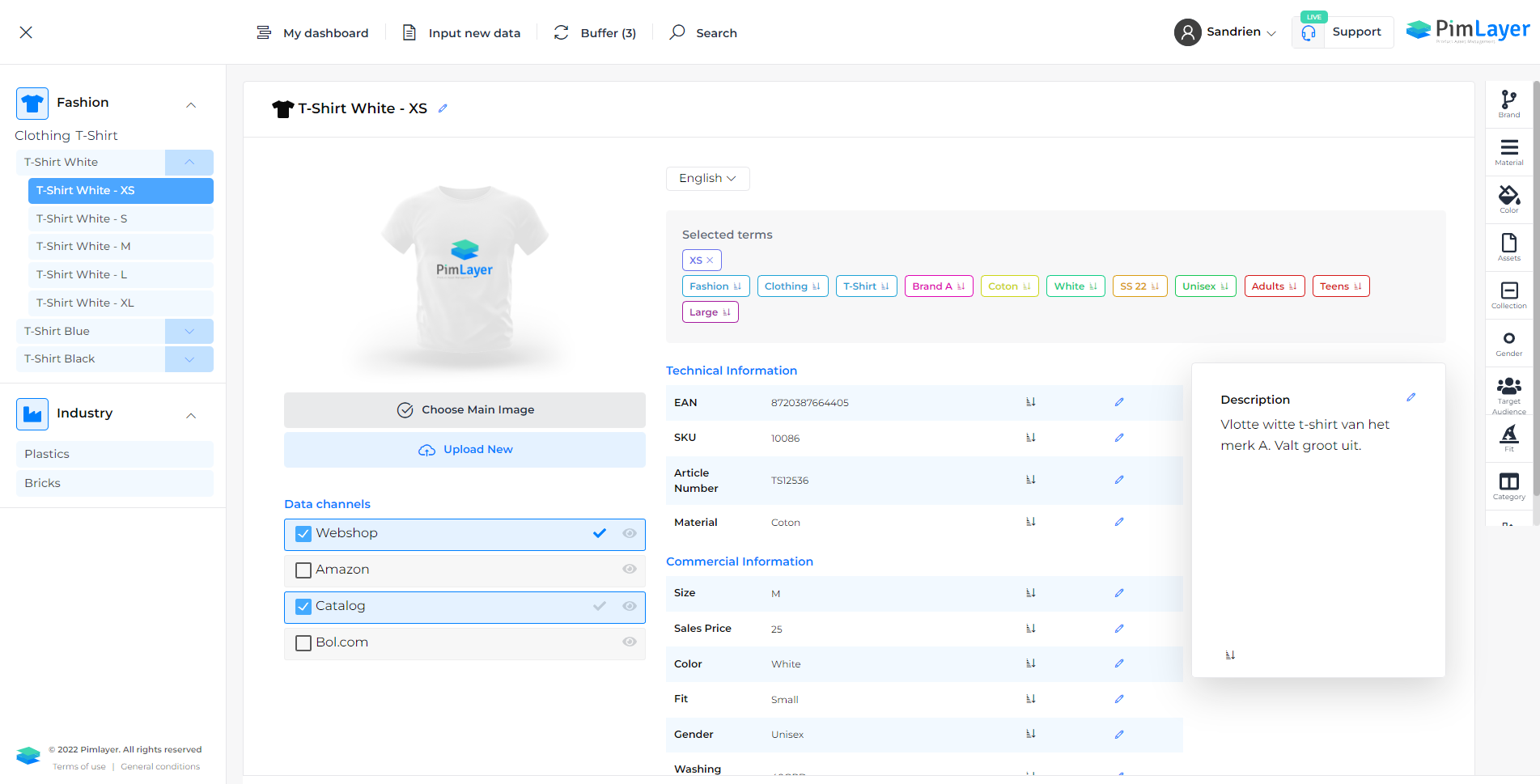
Today your product data is scattered across ERP, Excel, mailboxes and your webshop. PimLayer brings everything together in one structured, controllable source, product information and digital assets, so your whole team works with the same, correct data.
Product data scattered, and no one knows what is correct.
As long as your source structure is wrong, you keep cleaning up the same mess.
Scattered data
Specifications in Excel, images in folders, standards in emails. Which version is the latest?
Variant chaos
Sizes, colours and finishes get mixed up. The same datasheet exists in four versions.
No overview
No permissions, no history. One wrong change and no one knows who or what.
Product data and assets, managed in a structured way.
Product data and digital assets on one platform
PimLayer is a powerful PIM/DAM platform. A PIM (Product Information Management) focuses on product data, a DAM (Digital Asset Management) on digital files such as documents, images, videos and audio. With us, they come together: all your assets are linked directly to your products, get their own attributes such as photographer, copyright, language and document type, and duplicates are recognised automatically. That way you manage your complete product and media library from one source.

A structured classification for products and assets
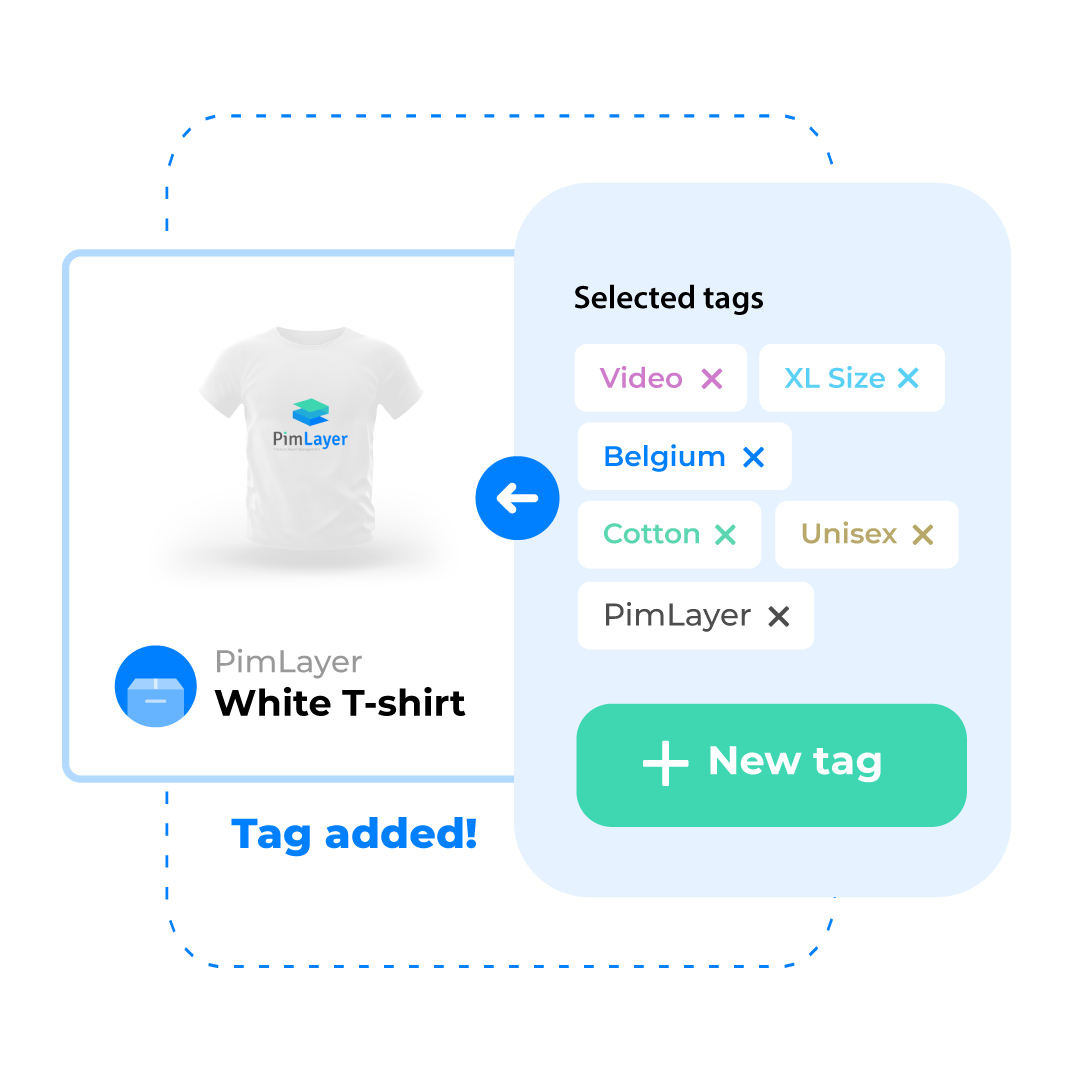
With the taxonomy you create multiple classifications across your product range and the related assets. Using tags and categories you label products and assets with information such as sales regions, target audience, publishability and document types. That lets you run very targeted searches, quickly find media for specific purposes and save time looking up data, even in a large assortment.
Manage variants without repeating information
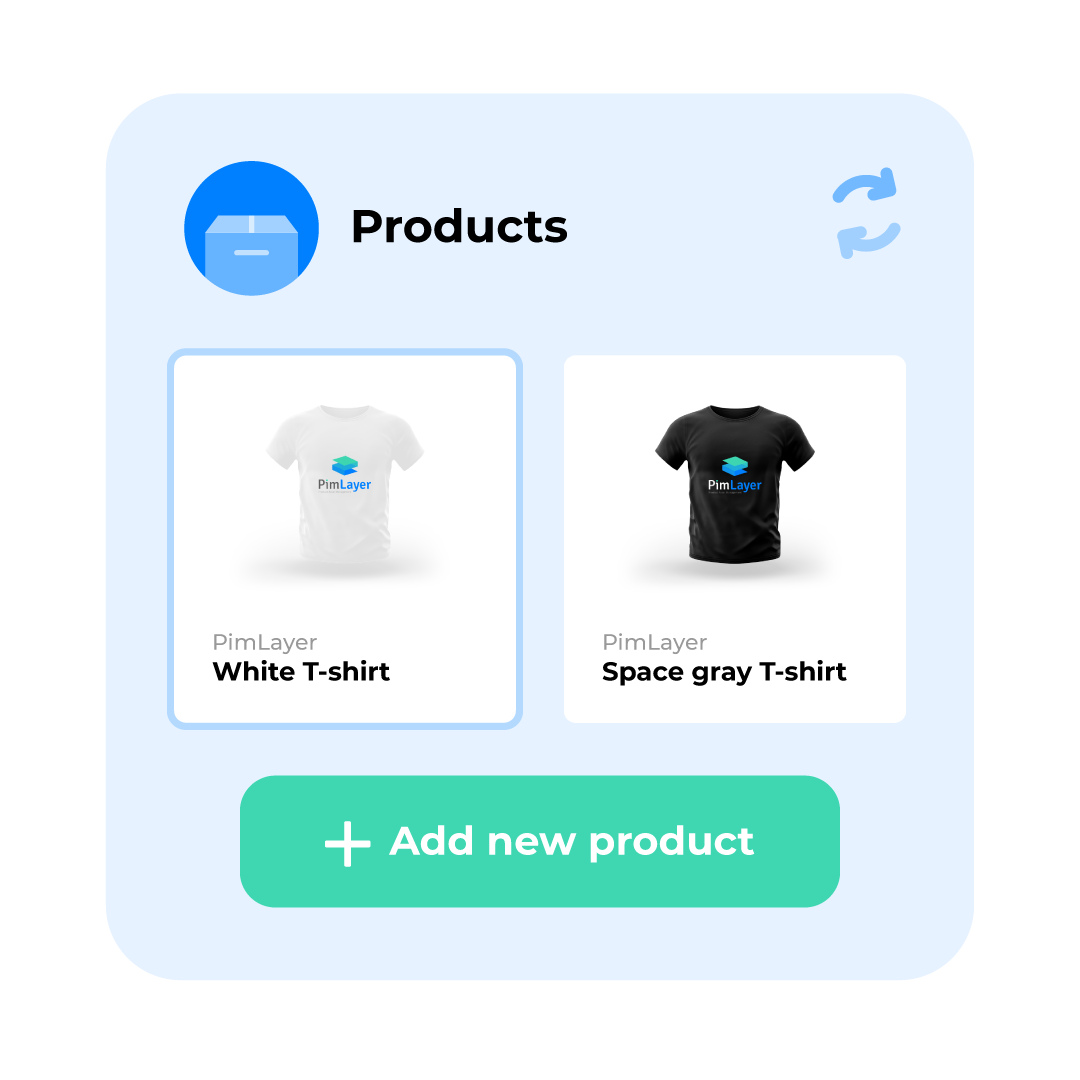
Thanks to a well-thought-out approach, you have to repeat as little product information as possible. We use tables to manage variants easily: one-dimensional, such as clothing sizes, or multidimensional, such as screws with variations in thickness, length and material. That way you manage your data more efficiently and save time entering and updating your product information.
Properties that carry through automatically
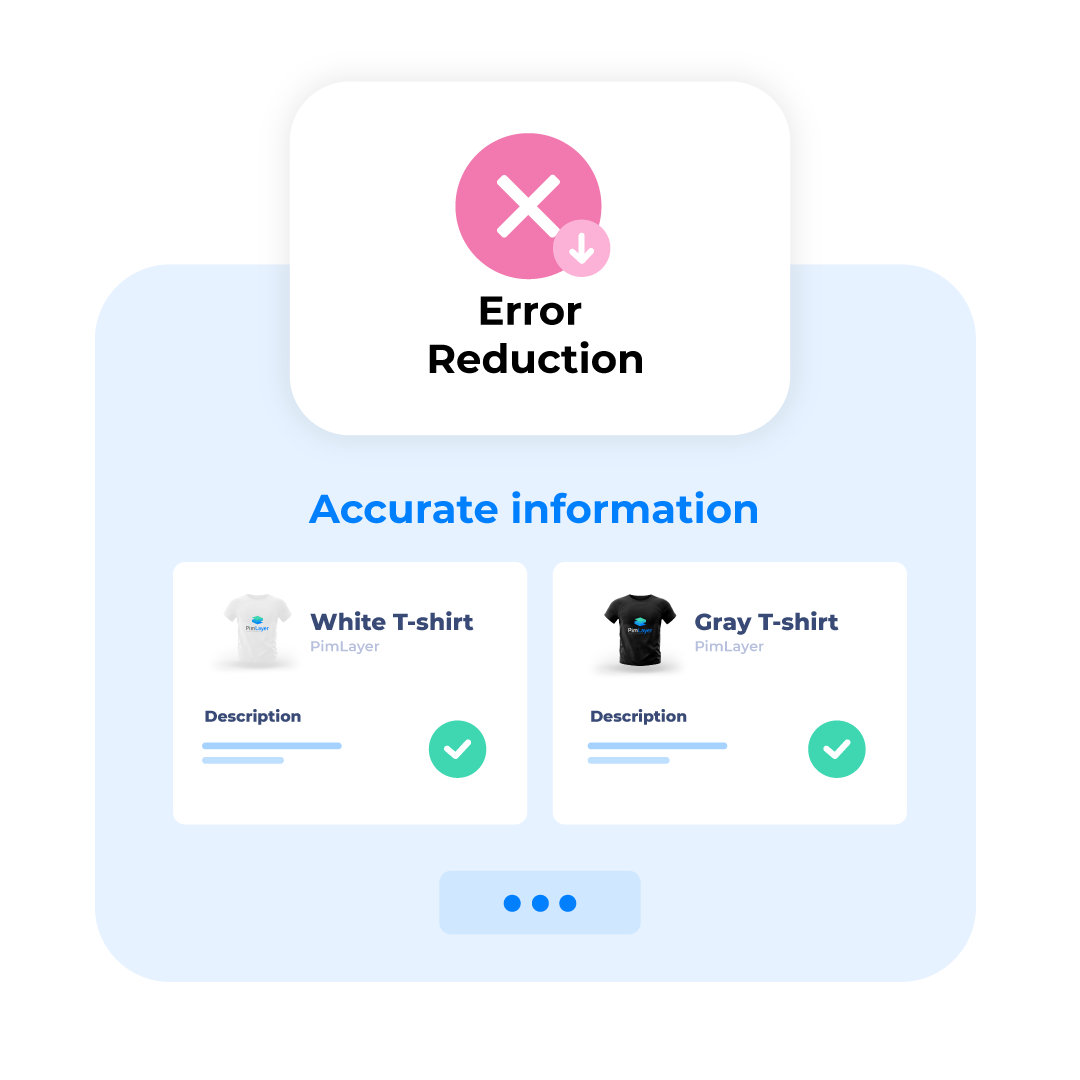
Underlying products automatically inherit the properties of their parent product. So you do not have to enter the same specifications for each variant every time, think of the different children's sizes of a garment. That makes for more efficient, faster product entry and minimises the chance of errors and inconsistencies in your product data.
Everyone works in their own part of the data
As an administrator you easily set the user permissions. You can shield certain product categories so that only authorised people see and edit them. Within the product specifications too, you decide which users get access to which fields. For example, you give a technical and a commercial employee access to different fields, with a clear separation of responsibilities.

Manage large volumes in bulk, validated
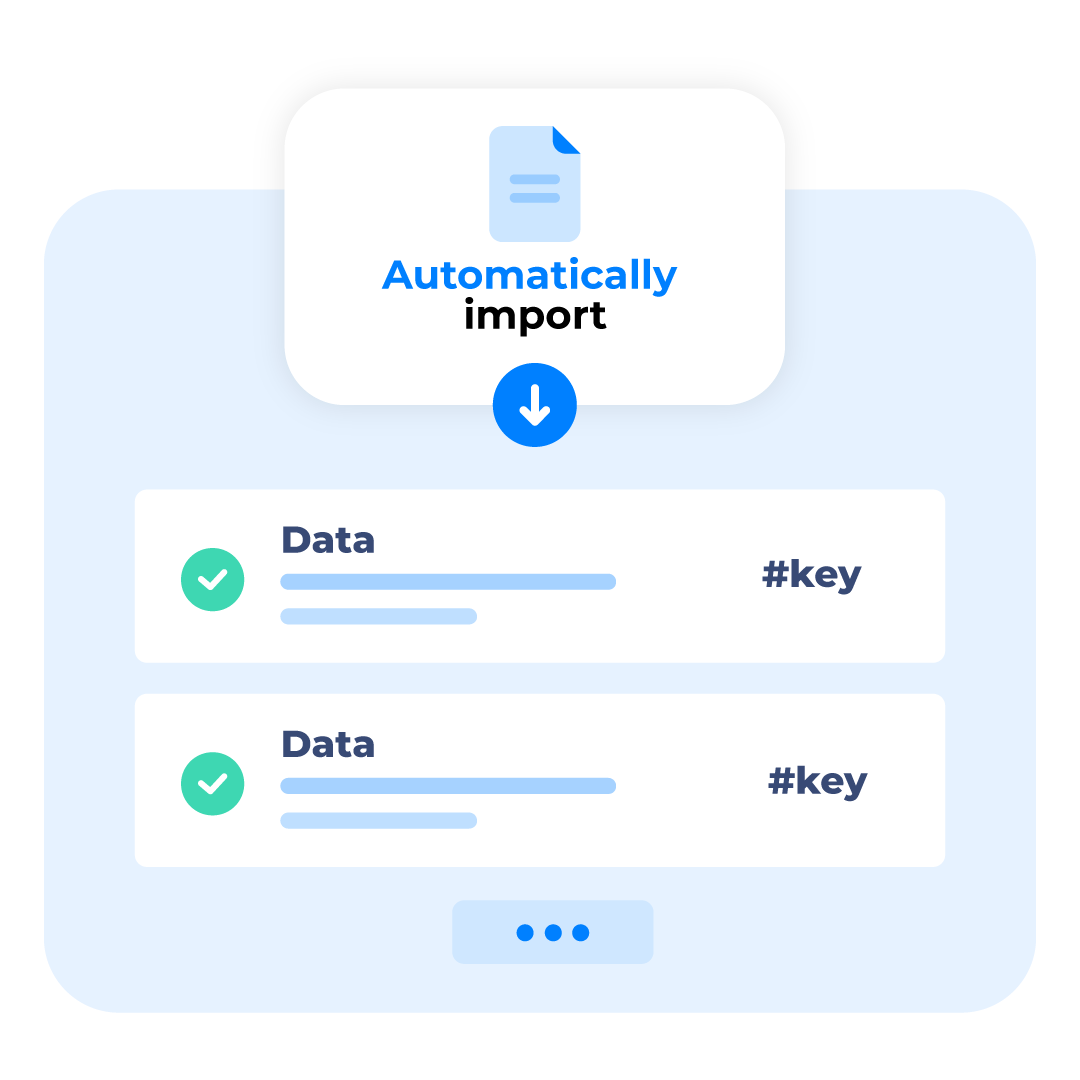
Mass import and export makes it easy to manage large quantities of product specifications at once. Export your selection to a spreadsheet based on filters or search results and work efficiently in bulk. After editing, you import the file again, where all changes are processed and validated automatically, in the background. That way you keep control over your data, limit errors and speed up management.
Every change tracked, always reversible
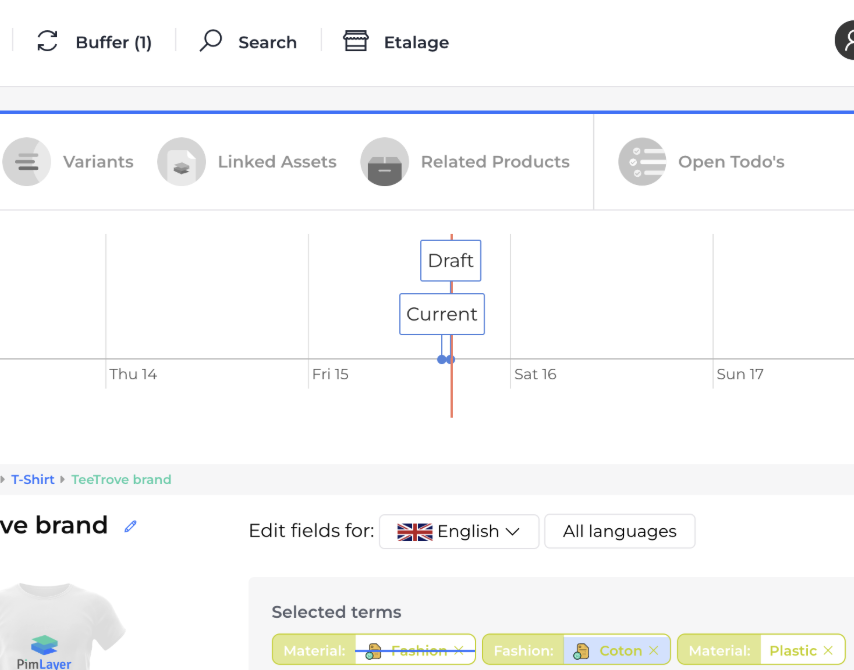
With version control you accurately track every change in your product data. Every update is automatically saved as a new version, so you can always go back, compare or restore. That gives you a complete audit trail of your product information, documents and images. Thanks to the intuitive 'edit and publish' principle, you manage changes quickly, keep an overview and increase the quality and reliability of your data.
Find quickly and work smoothly.
Powerful search
Because every piece of information, document and image is tagged and categorised, you set very targeted filters and find what you are looking for in a flash.
Edit and publish
Work on your data and only publish changes when they are ready, with overview and control.
Works in the background
Imports and bulk actions keep running while you simply carry on; you get a notification as soon as they are done.
Answers to your questions
What is the difference between PIM and ERP?
Your ERP is strong in transactions: prices, stock, orders, accounting. PIM is made for commercial product information: structure, rich specifications, taxonomy, assets and publishing to channels. PimLayer gives you one commercial truth, separate from your transactional processes.
Can I import my existing product data in bulk?
Yes. Export a selection to Excel based on filters or search results, edit offline and import again. Your changes are processed and validated automatically, in the background, so you keep control and limit errors.
How do I manage who can see and edit which product data?
You set per user which product categories and which fields are visible or editable, so everyone works in their own part of the data. Every change is also tracked with version control and a complete audit trail.
How do I switch from scattered Excel files to one source?
You do not have to clean everything up first. We start from your existing structure, import your data and improve iteratively. That way you go live quickly and then keep building on quality.
Ready to take control of your product data?
Book a demo, or first calculate your time saved with the ROI calculator.